1

How to print the sld file neatly, with flow arrows and such ?

I work with someone remotely who sends these neats PSSE oneline diagram in PDF and they are so clean, they have the power flow arrow, nice and spaced data, and even the buses are presented differently. Here I attach a link to one of these images as a sample of what I mean: https://imgur.com/oQko7BR (zoom in to see it in all its glory). How do I do this ? Is there a command to have this printed out in a jpg format? (Im aware of psspy.exportimagefile(), but this is not what this guy is doing). Thanks !

rafaels100's avatar
29
rafaels100
asked 2019-02-21 09:11:32 -0500
edit flag offensive 0 remove flag close merge delete

Comments

add a comment see more comments

2 Answers

2

Install a pdf-printer so the diagram can be printed to a pdf-file instead to the printer. The diagram will then be written as a vector plott so you can zoom into the image without deteriorated resolution.

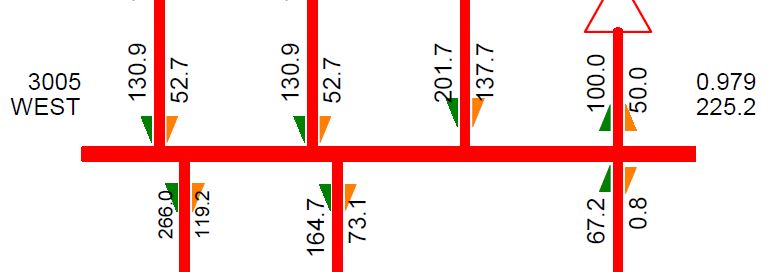
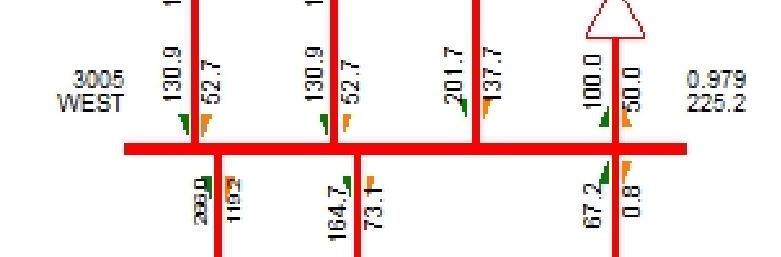
Jpg is not suitable for large diagrams since the resolution is set by the pixels. See below, where I zoomed into bus 3005 in a .jpg-diagram. image description

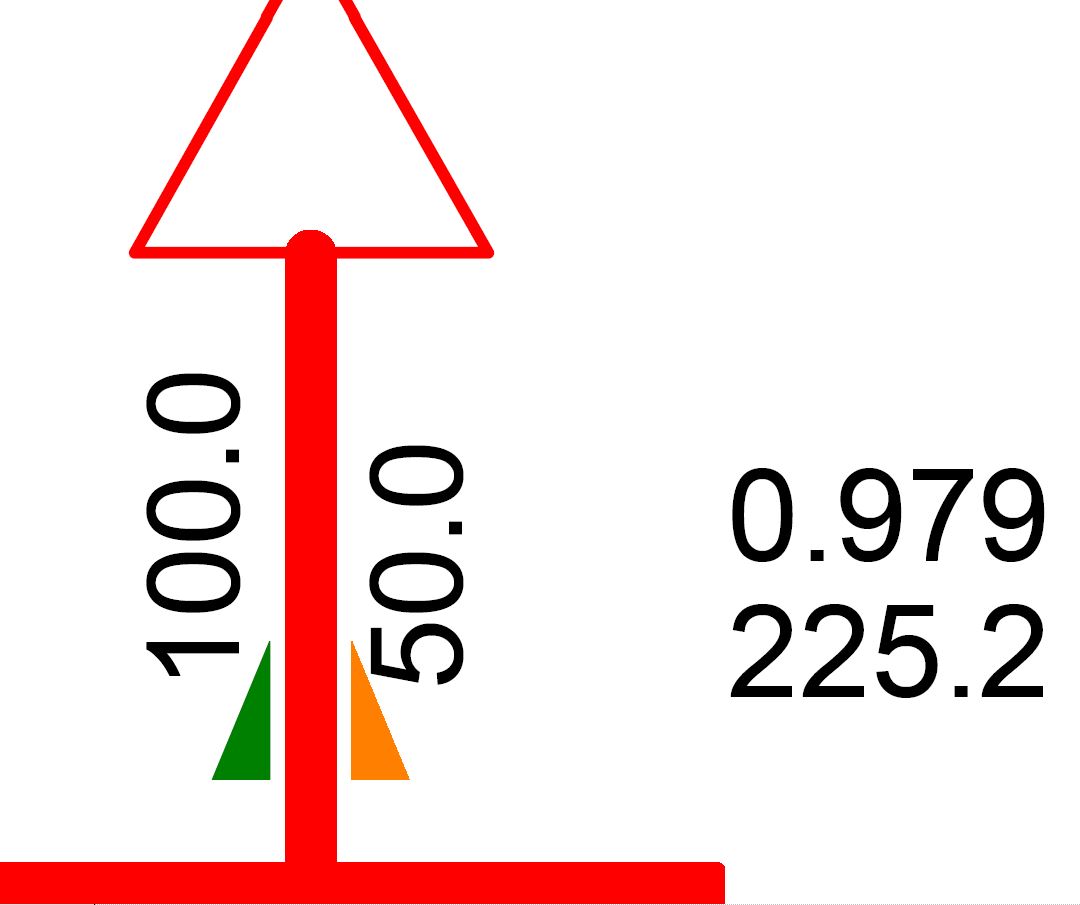
A screen copy of the same bus in a pdf-file looks as below. Here there is full resolution and all figures are clear. image description

If I zoom even more into the pdf, the resolution is still perfect due to the vector plotting used, see below. image description

perolofl's avatar
3.8k
perolofl
answered 2019-02-22 00:25:21 -0500
edit flag offensive 0 remove flag delete link

Comments

Just tried printing to PDF and it did the trick :) Thank you so much !

rafaels100's avatar rafaels100 (2019-02-22 10:34:18 -0500) edit
add a comment see more comments
0

I have another question on this topic. I am trying to get voltage contours to print to pdf from my sld however I can't get them to show up, even after saving my sld with the contours. Is there a way to get the contours to appear when printing to pdf? Thanks!

Phyl's avatar
5
Phyl
answered 2020-06-24 16:04:01 -0500
edit flag offensive 0 remove flag delete link

Comments

For me, contour plots are written correctly. Try another PDF-printer!

perolofl's avatar perolofl (2020-06-25 01:46:03 -0500) edit

It worked for me in rev 33. In rev 35 it doesn't work. Seems to be a bug...

perolofl's avatar perolofl (2023-02-24 06:29:14 -0500) edit
add a comment see more comments

Your Answer

Login/Signup to Answer